

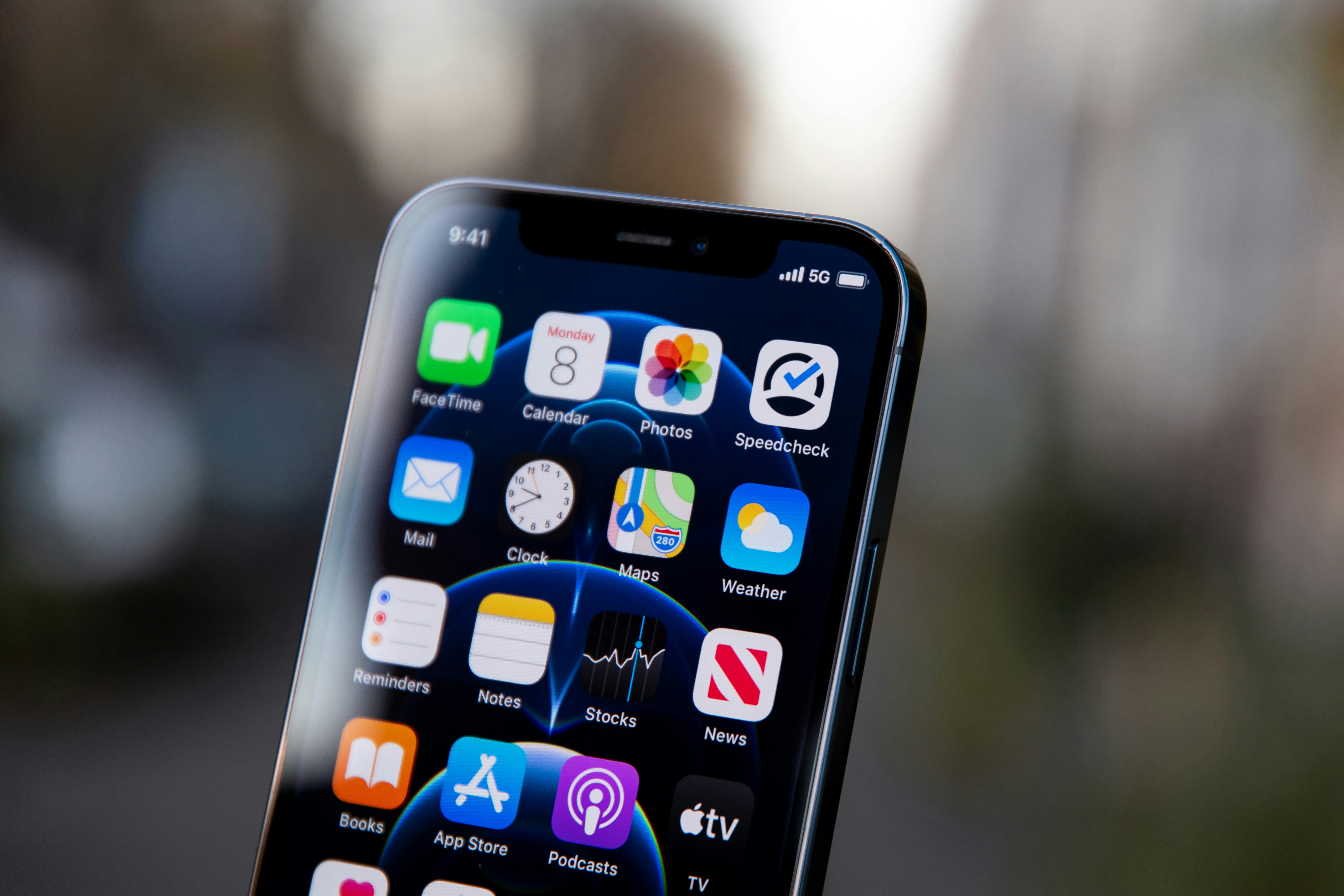
The Truth About Updating iPhone 13 to iOS 18.2
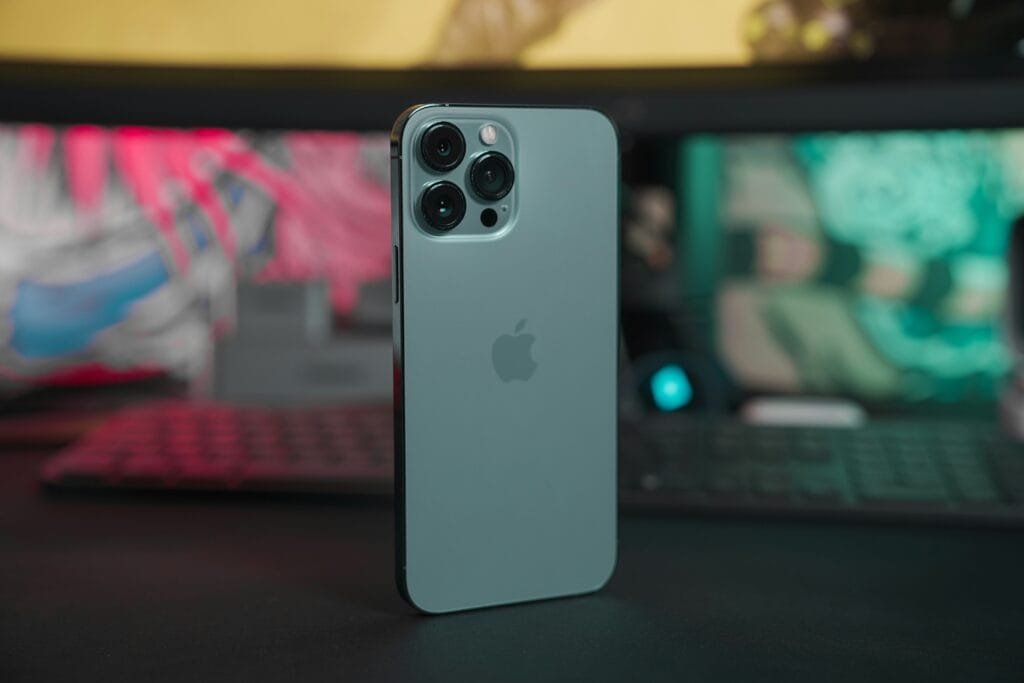
Introduction to iOS Updates
The iOS update process is a crucial aspect for every iPhone user, as it directly influences the device’s performance, security, and overall user experience. Regular updates from Apple often contain various improvements, including security enhancements, bug fixes, and new features that aim to enhance the functionality of the device. As cyber threats continue to evolve, staying up-to-date with the latest iOS versions becomes increasingly important to protect against potential vulnerabilities that can compromise personal data.
Each iteration of iOS, including the recent iOS 18.2, aims to deliver a more refined experience. These updates not only address existing issues but also introduce advanced functionalities that promote better multitasking, increased app performance, and optimized battery management. Additionally, new features can enhance the usability of the iPhone, allowing for greater customization and increased efficiency in daily tasks. Thus, understanding the importance of these updates is paramount for iPhone users who wish to maximize their device’s potential.
Moreover, iOS updates usually come equipped with various performance optimizations. Users may often worry about their devices performing slower post-update; however, the improvements embedded within these updates frequently lead to a more efficient and smoother experience. Specifically for iPhone 13 users, updating to iOS 18.2 may result in decreased loading times, increased responsiveness, and a more stable performance across applications. Consequently, a well-informed decision regarding updates ensures that users can enjoy a safer and more enjoyable experience while using their iPhones.
Overview of iOS 18.2 Features
iOS 18.2 introduces a range of notable improvements and new features that enhance the overall functionality and user experience of the iPhone 13. One of the primary enhancements is the optimization of the existing applications, which now run more smoothly and efficiently. The Messages app has received significant updates, including improved search capabilities and easier access to important conversations. Furthermore, users can now customize their message notifications, allowing for a more tailored experience.
Additionally, iOS 18.2 includes significant updates to the FaceTime application, enhancing video and audio quality during calls. Users can expect better connectivity and more responsive interactions, making virtual conversations feel closer to in-person experiences. The introduction of spatial audio capabilities provides an immersive sound experience, further enriching the usability of FaceTime for personal and professional interactions.
Another key feature is the enhanced privacy settings introduced in this update. iOS 18.2 allows users to have more granular control over their data and app permissions. The transparency features added to applications provide users with clear insights into how their data may be used, helping to foster an environment of trust between users and developers. This move towards greater privacy demonstrates Apple’s commitment to safeguarding user information, which is increasingly important in today’s digital landscape.
Moreover, performance upgrades are a significant aspect of iOS 18.2, focusing on ensuring that the iPhone 13 operates seamlessly even with demanding applications. Load times are reduced, and multitasking capabilities are improved, allowing users to switch between apps without noticeable lag. Overall, iOS 18.2 is a well-rounded update that not only introduces new functionalities but also ensures that existing features work tirelessly to enhance the user experience on the iPhone 13.
Is iOS 18.2 Compatible with iPhone 13?
When considering whether to update an iPhone 13 to iOS 18.2, it is crucial to evaluate the compatibility of this operating system with the device. The iPhone 13, released in September 2021, is equipped with the A15 Bionic chip, which provides substantial processing power. This allows the iPhone 13 to effectively support the latest iOS updates and operate smoothly with newer software features.
According to Apple’s guidelines, iOS 18.2 is designed to be compatible with various models, including the iPhone 13. Notably, this compatibility indicates that users can expect their devices to run optimally after the update. It is essential to highlight that while iOS 18.2 includes noteworthy features and enhancements, not all capabilities may be universally applicable to older models. Therefore, users of the iPhone 13 can anticipate a significant benefit in terms of software improvements without facing major limitations inherent to older devices.
Additionally, the update can improve performance metrics such as speed and efficiency, even in devices like the iPhone 13 that are already quite advanced. Users should also be aware that Apple continually fine-tunes its operating systems to ensure compatibility with existing hardware. Thus, while certain features of iOS 18.2 may be exclusive to more recent models, the core functionalities essential for day-to-day usage remain available for the iPhone 13. Ultimately, this compatibility reinforces users’ confidence in updating their devices to embrace the latest advancements in mobile technology.
Assessing Performance Changes After Update
When considering an update to the iOS 18.2 on an iPhone 13, it is prudent to assess the impact such an update may have on the device’s overall performance. Users often express concerns regarding possible slowdowns that may occur after installing new software. To gain a clearer understanding, we can explore both user experiences and expert opinions on this matter.
Many iPhone 13 users report varying degrees of satisfaction following the iOS 18.2 update. A significant number of users have noted that their devices continue to operate smoothly, with some even experiencing improvements in speed and responsiveness. Enhanced features and optimizations introduced in iOS 18.2 seem to contribute positively to the performance metrics of the device. Users have highlighted better app launch times and smoother multitasking capabilities as key benefits that they have encountered.
Conversely, a subset of users has pointed out occasional performance hitches, particularly during initial app launches or when executing demanding tasks immediately after the update. These observations suggest that while the iOS 18.2 update can generally lead to improved performance, isolated instances of temporary sluggishness may occur as the system optimizes in the wake of the update.
Experts recommend that users ensure sufficient storage space is available on their iPhone 13 prior to initiating the update. A well-maintained device with adequate storage can mitigate potential slowdowns. Additionally, performing routine maintenance tasks, such as clearing cache and background app refresh settings, can further optimize device performance post-update.
In conclusion, while most iPhone 13 users can expect enhancements in their device’s performance after updating to iOS 18.2, it is essential to stay vigilant and adopt best practices to ensure optimal functioning. Feedback indicates that the majority enjoy smoother operation, making the upgrade seem worthwhile for most users. However, individual experiences may vary, underscoring the importance of considering personal usage habits before proceeding with the update.
User Experiences and Reviews
As iPhone users consider upgrading to iOS 18.2, many have shared their experiences across various forums and tech publications. The sentiment towards this update appears to be largely positive, with numerous users reporting enhanced performance and new features that improve the overall utility of their devices. According to several reviews, iOS 18.2 has introduced several bug fixes and optimizations that address previous issues found in earlier versions.
Many users noted that their devices run more smoothly after the upgrade, with tasks such as app launching and system navigation becoming noticeably faster. The integration of new privacy settings and user control features has also garnered praise from the community. Users are particularly appreciative of the ability to customize notifications and manage background app activity with greater precision. These enhancements contribute to a more user-friendly experience, making the transition to iOS 18.2 feel worthwhile for many.
However, a small percentage of users have reported encountering issues related to battery life following the upgrade. Some individuals have expressed concerns that their devices have experienced shortened battery life or unexpected overheating. While this feedback highlights the potential risks associated with updates, tech analysts suggest that these instances are sometimes specific to individual devices or the applications being used, rather than a widespread fault of the operating system itself.
Overall, user testimonials reflect a generally positive reaction to iOS 18.2, with most individuals finding the benefits outweigh the downsides. Users emphasize that taking precautions, such as backing up data before upgrading, is always advisable. By collecting and analyzing various reviews, potential upgraders can make a more informed decision about transitioning to iOS 18.2 without undue concern about performance issues.
Precautions Before Updating
Before updating your iPhone 13 to iOS 18.2, it is essential to take several precautions to ensure a seamless transition and avoid potential complications. One of the primary steps is to back up your data. This can be done through iCloud or by using a computer with iTunes or Finder. A complete backup protects all your important files, including photos, messages, and app data, ensuring that you can retrieve them in case something goes wrong during the update.
Another crucial step is to check the compatibility of your apps with the new iOS version. Software updates can sometimes lead to compatibility issues with older applications. Visit the App Store and look for any available updates for your apps before proceeding with the iOS upgrade. It is also advisable to read through user reviews and update notes regarding the specific apps you rely on, as this information can provide insights on any potential issues that other users have experienced.
Furthermore, it is vital to ensure that your device has sufficient storage space for the update. iOS updates often require a significant amount of storage, and a lack of space can hinder the installation process. To check available storage, go to Settings, then tap on General, followed by iPhone Storage. If your storage is nearing capacity, consider deleting unnecessary files or apps to create more space. This proactive approach not only helps during the update but also contributes to the overall performance of your device.
By taking these precautions—backing up your data, checking app compatibility, and ensuring sufficient storage—you can enhance your experience with the iOS 18.2 update on your iPhone 13 without significant issues.
How to Update Your iPhone 13 to iOS 18.2
Updating your iPhone 13 to iOS 18.2 is a straightforward process that enhances the device’s functionality and security. To ensure a smooth update, follow these detailed steps:
Firstly, it is advisable to back up your iPhone. This can be accomplished by connecting your device to your computer and utilizing iTunes or Finder if you’re using macOS Catalina or later. Alternatively, you can use iCloud by navigating to Settings > Your Name > iCloud > iCloud Backup, and then selecting Back Up Now. This step is crucial, as it protects your data in case issues arise during the update.
Next, ensure that your device is charged. It is best to have at least 50% battery or keep your iPhone plugged into a power source during the updating process to avoid interruptions. Once you have completed the backup and ensured sufficient power, you can proceed to update your iPhone.
To initiate the update, navigate to the Settings app on your iPhone, tap General, and select Software Update. Your device will check for available updates. If iOS 18.2 appears, tap Download and Install. You may be prompted to enter your passcode. Agree to any terms and conditions presented on the screen.
If prompted, connect to Wi-Fi. This connection is essential to download the update files, which can be quite substantial. After the download, your device will begin the installation. Follow the on-screen prompts to complete the process. It is advisable to be patient, as depending on your connection and device capacity, this can take some time.
In the event of complications or errors during the updating process, look for error messages that may guide you. Restarting your device or attempting to update again after a brief period can often resolve minor issues. If problems persist, consider reaching out to Apple Support for targeted assistance.
Post-Update Troubleshooting Tips
After updating to iOS 18.2, users may encounter several common issues that can affect the performance and efficiency of their iPhone 13. Addressing these problems promptly is essential to ensure a smooth experience with the new operating system.
One prevalent issue reported by users is increased battery drain. After an update, it’s not unusual for the device to experience a temporary surge in battery usage, primarily due to background activities such as app updates and system processes. To mitigate this, users should navigate to the Settings app, select Battery, and review which applications are consuming the most power. If specific apps are identified as the culprits, consider disabling background app refresh for those applications or uninstalling and reinstalling them to refresh their performance.
Another problem that may arise is app crashes. This can occur if certain applications have not yet been optimized for iOS 18.2. If you experience crashes, first ensure that all apps are updated to their latest versions through the App Store. If the issue persists, try force-closing the app by swiping up from the bottom of the screen and closing it completely, then reopening it. If the app continues to malfunction, deleting and reinstalling it may resolve the conflict.
Additionally, some users may face performance hiccups, such as lagging or freezing. This might be attributed to temporary system overload after the update. Restarting the device can help resolve these performance issues, as it clears temporary files and refreshes system processes. Regularly checking for system updates is also advisable, as subsequent patches may address bugs introduced in the iOS 18.2 update.
By implementing these troubleshooting tips, iPhone 13 users can effectively manage common post-update issues and maintain optimal device performance.
Conclusion: Is Updating Worth It?
As we have discussed, updating an iPhone 13 to iOS 18.2 brings several enhancements and improvements that can enhance the overall user experience. The latest update includes valuable features such as enhanced security protocols, improved battery performance, and new functionalities that may not only streamline daily operations but also keep the device relevant against emerging technological trends. Many users have noted the importance of maintaining up-to-date software, as it often includes essential patches that address vulnerabilities within the system.
However, potential risks accompany any software update. Concerns about hardware compatibility, particularly for older devices, remain prevalent. While the iPhone 13 is relatively recent, some users fear that an update to iOS 18.2 could result in a perception of sluggishness or unresponsiveness due to the heavier demands of new software features. Most importantly, individuals should ensure they have adequate storage capacity on their device prior to installation, as insufficient space can lead to installation errors or performance lags post-update.
In light of these considerations, users must weigh the benefits of new features and enhanced security against the possibility of decreasing performance and other potential complications. It is advisable to review feedback from other iPhone 13 users who have already undergone the update, as this may provide insight into the real-world implications of the switch to iOS 18.2.
Ultimately, whether or not to proceed with the update hinges on personal usage habits and the prioritization of features that come with iOS 18.2. If enhanced performance, security, and user experience are significant considerations, the upgrade is likely worth pursuing. However, remaining informed and prepared for any challenges is essential for a seamless transition.


